Hey lovely and loyal readers. This is my latest timelapse video which consumed me almost 8 months to complete it. A total of 7312 photos have been compressed to render this timelapse. Last year (2011), I produced a similar timelapse which is called "Photography in Penang". You can take a look at the clip here
https://vimeo.com/34393089,
This year (2012), it will be slightly different. Most of my clips are rendered from RAW picture. The quality of each scene are maintained and the noise in night scene clips were reduced. For this timelapse, I was given the permission to use one of the beautiful music (Beautiful World) by a talented composer
Marika Takeuchi. All pictures are shot using Canon EOS60D and EOS550D.
Basically the concept of this timelapse is mainly divided into 4 major categories.
I) Sunrise & Sunset Series
Here are some of yhe places which I visited for my timelapse 2012.
1) Permatang Damar Laut (01:32)
What i like about this clip is the reflection of beautiful sunset. The movement of cloud and the magic color is reflected by the calm sea water.
2) Bayan Mutiara (01:50)
During this clip, we can observe the process of high tide while the sun is rising. Before the sunrise, we can see the Moon, Venus and Jupiter.
3) Gurney Drive (02:29)
During low tide, the sea water is clogged between the mud. Mud sometimes can be very smelly and dirty, but it can be so beautiful during sunrise. Cheers :)
4) Penang Hill (Bukit Bendera) (02:45)
Penang Hill is one of the highest peak in Penang Island. I went up to the hill by the first train (6.30am). During sunrise, we are able to observe the city light slowly go off and the foreground slowly show up. This is one of the best sunrise experience.
5) Georgetown (02:57)
Besides Penang hilll, I went up to one of the apartment in Macallum Street to make this clip.We can observe the sunlight slowly disappear while the city light is slowly lighting up.
6) Teluk Tempoyak (03:14)
Teluk Tempoyak is located in Batu Maung. In this clip, u can see the Second Penang Bridge which is still under construction.
7) Sungai Batu (03:23)
Sungai Batu is one of the most amazing place sunset photography. The rocky foreground is just super nice.
II) Astrophotography
Besides, sunrise/sunset, one of my favorite timelapse clip is the milkyway. Here are some of the most interesting screen shot.
1) Milkyway &
The Phosphorescence Sea (00:20)
Shot this at Gertak Sanggul. While the milkyway is rising, we can see
natural luminance in the sea... The
phosphorescence only can be seen under very dark condition. This light
is produced by the bioluminescence of living organisms. This is magical.
2) Milkyway &
The Moon Set (00:38)
Shot this at Sungai Batu.While the moon set, the sky seem to be in cool color. After the moonset, we can clearly see the beautiful milkyway
3) Milkyway & 2nd Penang Bridge (01:47)
The milkyway seem to be invisible under superlight pollution. The bottom right white light is our 2nd Penang bridge.
4) Milkyway & Penang Bridge (02:00)
Again, with light pollution, we can hardly see the milkyway. But in time lapse sequence, we can see the milkyway moving upwards. In this shot, we can the milkyway on top of Penang Bridge.
5) Sunset & Milkyway (03:10)
Shot this in Permatang Damar Laut. After sunset, the milkyway became visible.
6) Large Magellanic Cloud
Without knowing the secret, this shot seem to be a plain. But if u look carefully, there is a white bunch of stars in the middle. That is the Large Magellanic Cloud Galaxy.
7) Milkyway Setting.(03:32)
This is the last clip in my timelapse. With minor light pollution, the milkyway is amazingly clear.
III) Culture
Regarding Penang culture, I decided to shoot the beautiful Mosques, Chinese Temple, Church and Hindu Temple.
1) Kek Lok Si Temple (00:14)
Kek Lok Si temple is located in Air Itam. The ultimate lighting only can be observed during the Chinese New Year.
2) St George's Anglican Church (00:49s)
During the making of this clip, I was asked to go out of the church compound because I do not have permission to shoot inside the church area furthermore the visit time was over. Too bad I had to shoot from outside.
3) Masjid Kapitan (01:04)
The amazing sunset makes the sky so blue with luminance of dusk.
5) Floating Mosque (02:18)
The reflection of sea water is just so beautiful. The floating mosque is located in Tanjung Bungah..
6) Arulmigu Bala Thandayuthapani Temple (02:42)
The newly constructed Hindu Temple called the Arulmigu Bala Thandayuthapani Temple is located in Jalan Kebun Bunga. The sunset is just behind the temple.
IV) Nature
I decided to fill my timelapse with some of the nature places in Penang
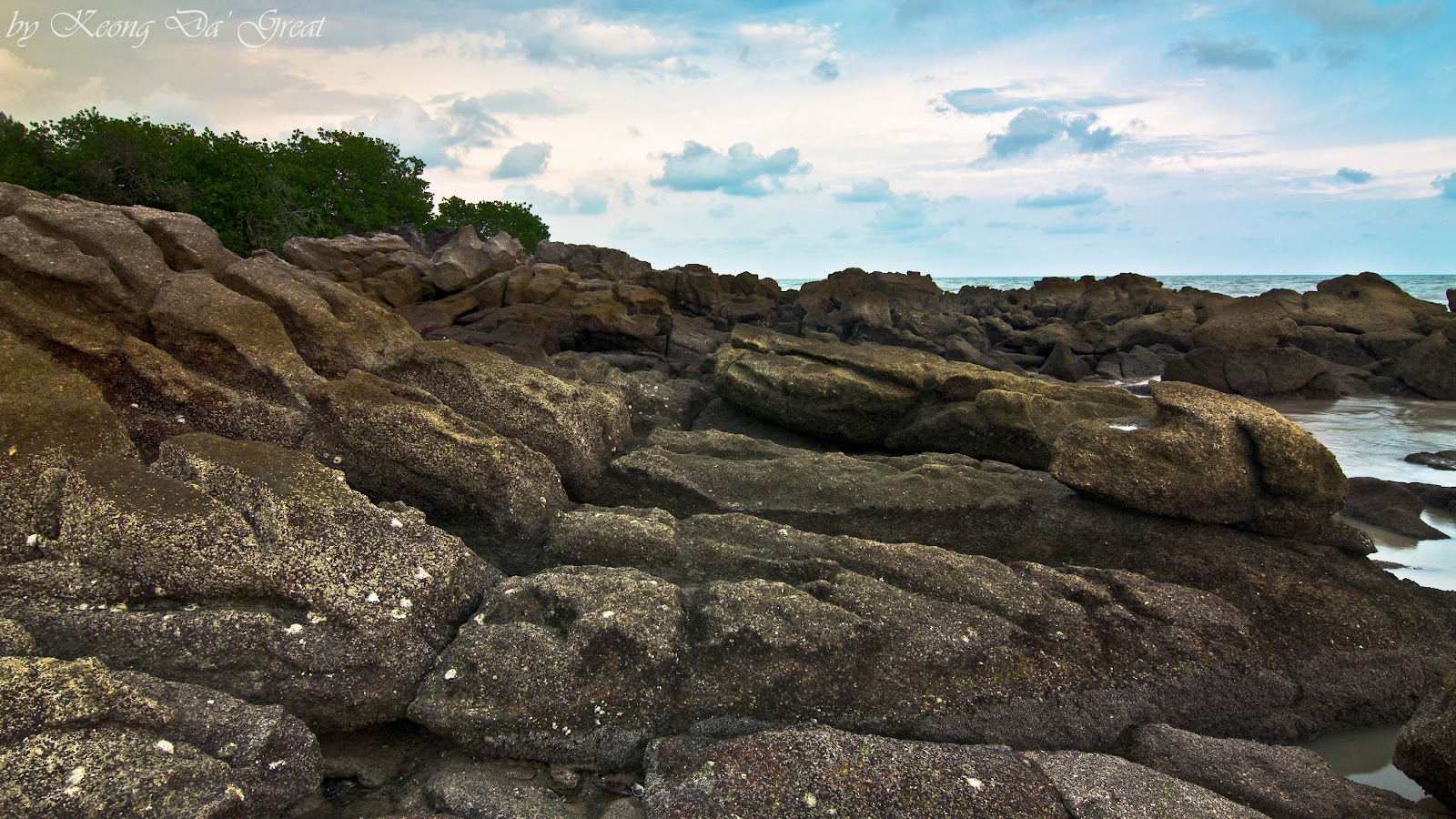
1) Rocky seashore in Sungai Batu (01:17)
2) Ait Itam Dam (02:19)
3) Batu Ferringhi Waterfall (02:10, 02:28)
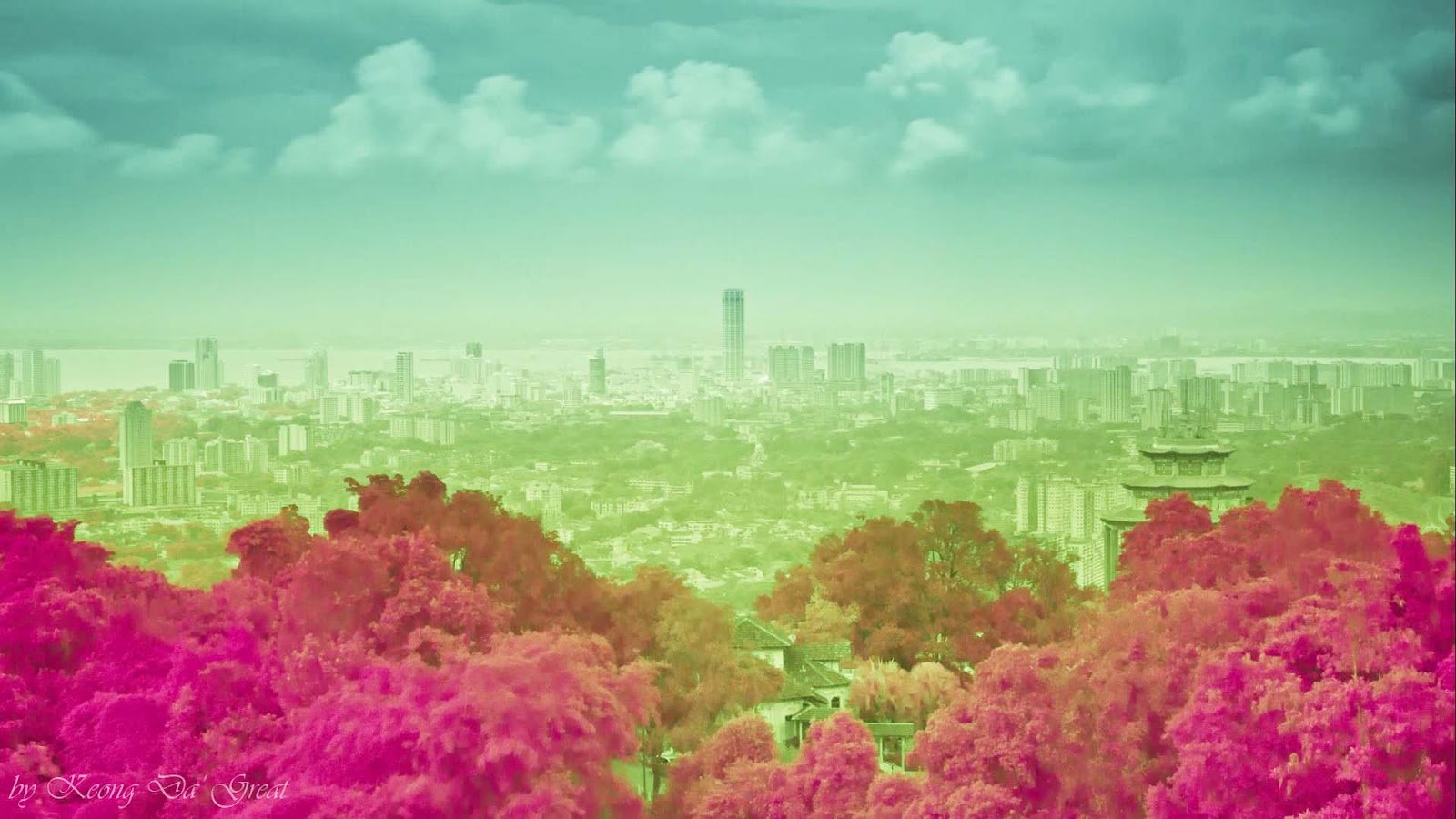
4) IR Photography (02:53)
Enjoy my latest timelapse2012 called Penang : My "Beautiful World"..
For Vimeo version :
https://vimeo.com/48519833